



Skip to content ↓

Computing

Computing is the study of principles and practices that underpin an understanding and modelling of computation, and of those principles'  application in the development of computer systems. At Aston, we believe that it is important that all students have an opportunity to explore the fundamental skills and concepts that underpin computer technology as a discipline. The curriculum is carefully planned with specific attention paid to the sequencing of topics studied.

The intention of the curriculum is to not only to develop digitally-literate citizens but to empower our students with computational skills so they are more proficient in conceptualising and understanding computer-based technology and so are better equipped to function in modern society.


Teaching staff:

  • Mr A Russell (Subject Leader)
  • Mrs K Lally (Assistant Headteacher)
  • Mr M Amin

Support staff:

  • Mr M Islam
  • Mr B Wellavize

Extra Curricular Activities:

  • All year groups complete the Bebras Challenge (a computational thinking competition).
  • Students can take part in a range of competitions: Cipher Challenge, Bebras Coding Challenge, Perse Coding Team Challenge, British Algorithmic Olympiad, British Informatics Olympiad.
  • Year 9 visit to the National Museum of Computing.
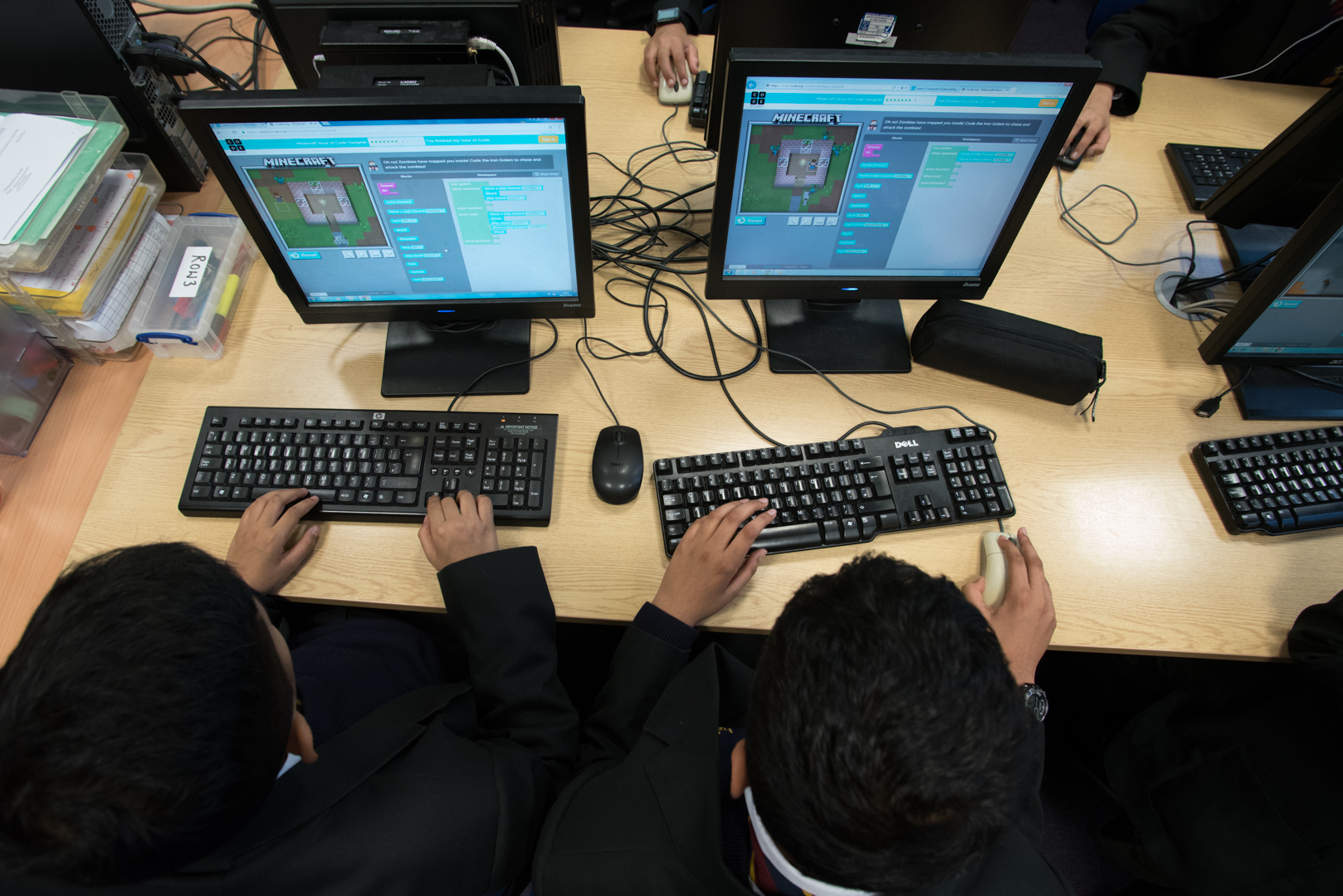
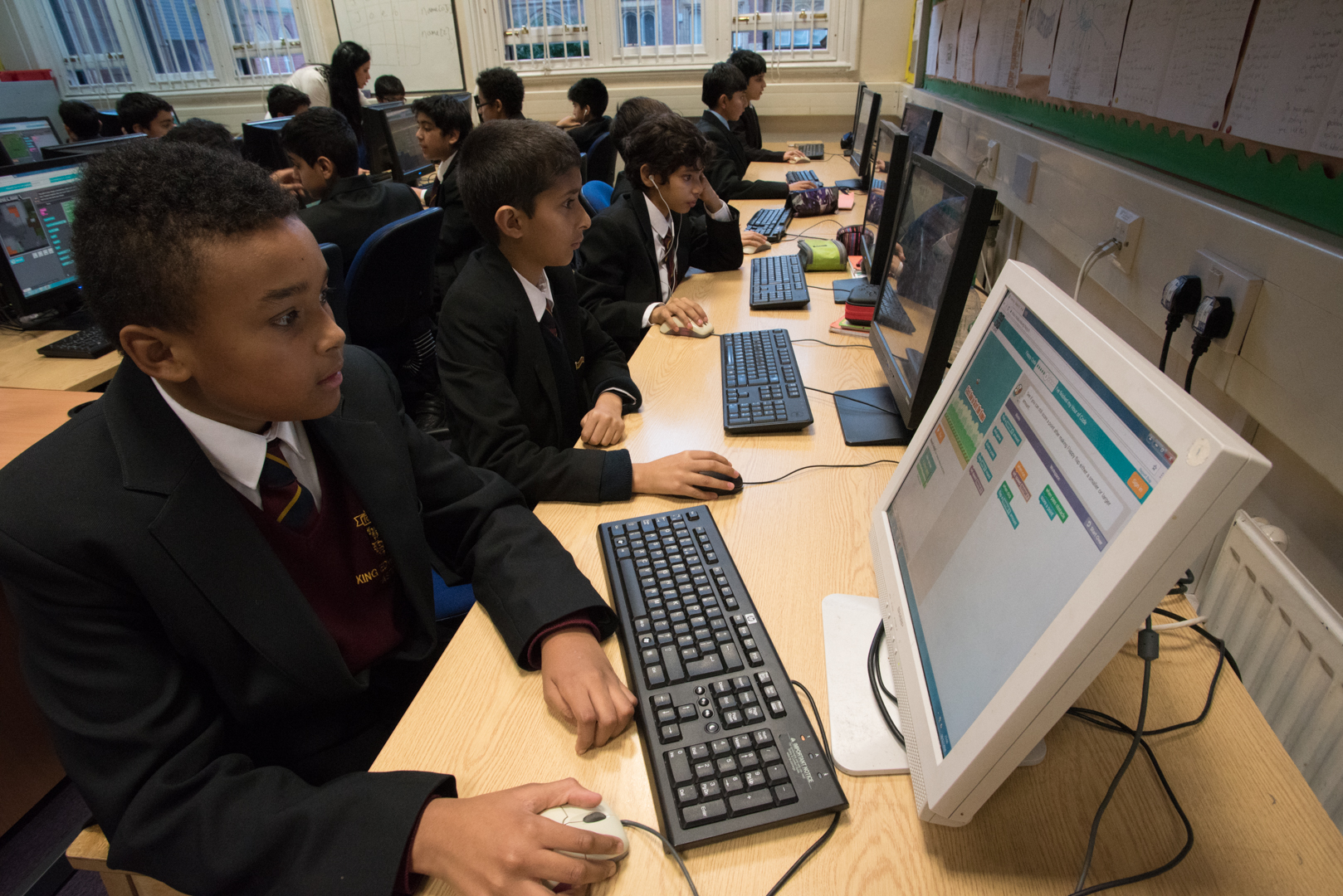
  • The Code Club allows students to practice their skills and explore the creative side of programming.

Year 7

Summary of curriculum: The year 7 curriculum begins by covering the software that students use at school: teams, onenote, word, powerpoint, excel. We also cover key parts of E-Safety so that students use technology in a safe way. In the programming unit, we look at physical computing and start developing students' programming skills.
Main topics:

Module 1: E-Safety and Microsoft Office

  • Logging in, Teams and Strong Passwords
  • Emails, Outlook and Phishing emails
  • OneNote and Digital footprints
  • Word and Cyber bullying
  • PowerPoint and end of module assessment

Module 2: Block Based Programming

  • Sequence (guiding a robot to complete tasks)
  • Variables
  • Iteration (using a robot to draw pictures)
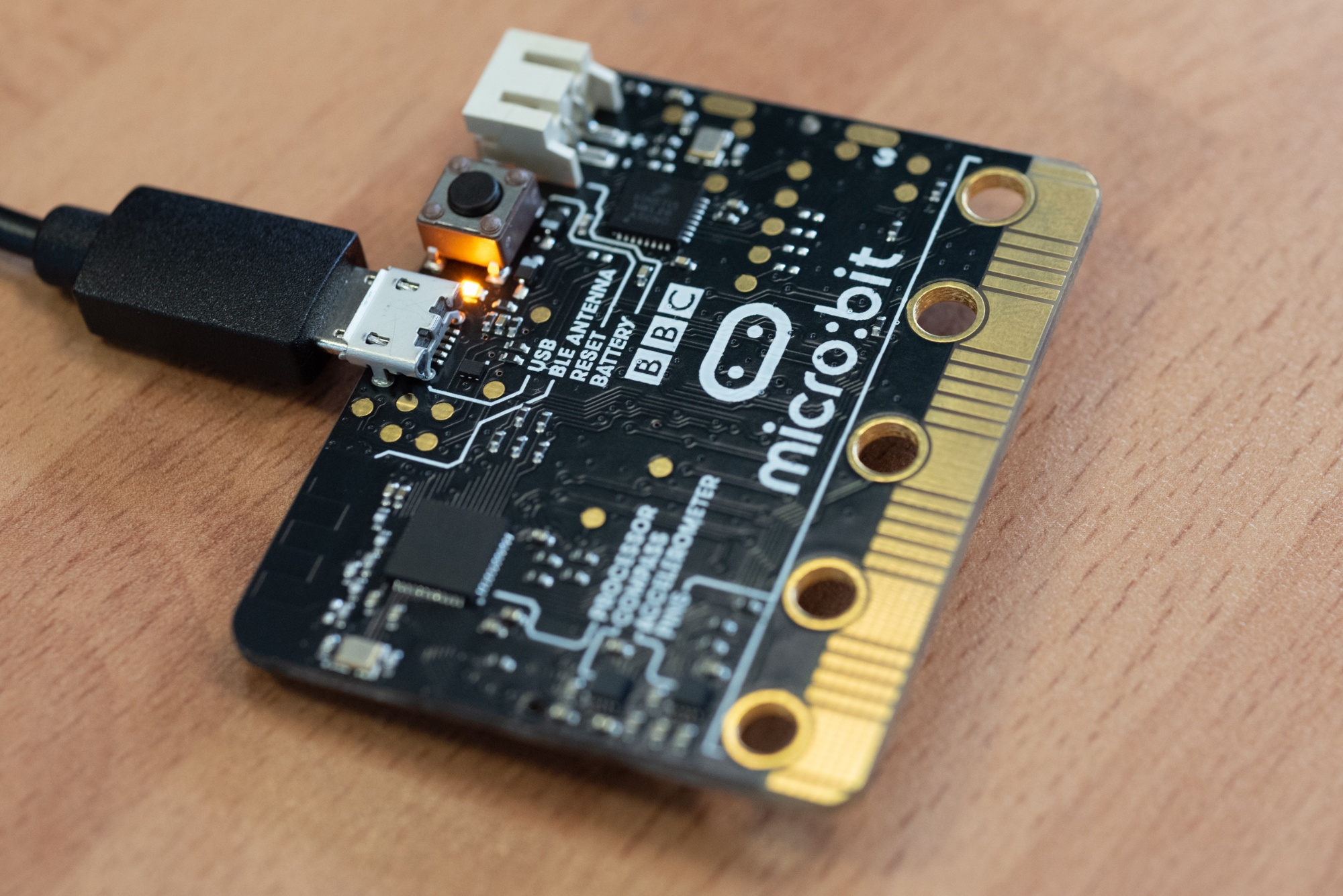
  • Selection (using a microbit to give different outputs)
  • Sensors (getting a robot to solve a maze)
  • Arrays

Module 3: Excel and Spreadsheets

  • Understanding Cell References
  • Formatting a spreadsheet
  • If function
  • Conditional Formatting
  • Data validation
Assessment throughout the year: Assessment is a combination of project-based assessments (like creating a PowerPoint) and short tests. Quizzes are used throughout to aid recall and knowledge retention.
How parents can support their son’s learning:
  • Discuss with your son how he uses technology and when digital technology appears in the news.
  • Encourage your son to practice touch typing for 10 minutes a week.
  • Encourage your son to review topics covered in computing lessons.
Able and inspired opportunities:

Developing programming skills through:

Useful websites:

Touch typing:  https://www.typingclub.com/

BBC Bite Size: https://www.bbc.co.uk/bitesize/guides/zrtrd2p/revision/1

W3 Schools Excel Course: https://www.w3schools.com/excel/


Year 8

Summary of curriculum: Y8 looks at the Computer Science side of the course. We look at how computers work and how software is created.
Main topics:

Module 1: How Computers Work

  • Computer Hardware
  • The role of the operating system
  • Logic Gates and Boolean Logic

Module 2: Networks, the internet and Websites

  • Transmission Media (wired and wireless connections)
  • Network hardware
  • Protocols
  • The internet (browsers, search engines and websites)
  • HTML and CSS

Module 3: Python Programming

  • Inputs and Outputs
  • Sequence
  • Variables
  • Selection (if statements) 

Module 4: AI

  • What AI can do (generation, recognition, prediction)
  • Prompt Engineering (OCEAN)
  • How AI uses data to train
  • Ethical and environmental considerations of using AI
Assessment throughout the year: Assessment is a combination of project-based assessments (like building a website) and short tests. Quizzes are used throughout to aid recall and knowledge retention.
How parents can support their son’s learning:

Encouraging your son to:

  • Look at where computers are used in real life and how they communicate with each other.
  • Investigate the HTML used in websites.
  • Spend time practising the y7 block based coding and the y8 Python programming.
Able and inspired opportunities:

Developing programming skills through:

Useful websites:

Crash Course Computing: https://thecrashcourse.com/topic/computerscience/

W3 Schools Python Course: https://www.w3schools.com/python/default.asp


Year 9

Summary of curriculum: In Year 9, students learn three units: data representation, networks and communications and and introduction to Python Programming.
Main topics:

9.1 Programming with Python

  • Reviewing Y8 Python topics
  • Iteration (for and while loops)
  • Subprograms

9.2 Data representation

  • Binary numbers
  • Storing Images
  • Storing Sound
  • AstroPi Mission Zero

9.3 Databases

  • Differences between Databases and Spreadsheets
  • Records, fields and tables
  • Using SQL to search a databases

9.4 Cyber Security

  • Ethical Hacking
  • Malware and anti-malware software
  • Stenography
Assessment throughout the year:

Half-termly, and common assessment tasks which will take place once per half term.

How parents can support their son’s learning:

By encouraging and ensuring that your son:

  • Completes all the homework regularly.
  • Reviews notes and work completed regularly.
  • Carries out independent research on the topics covered and due to be covered during lessons.
Able and inspired opportunities:
Useful websites:


Year 10

Summary of curriculum:

The course follows the OCR GCSE Computer Science specification which gives students an overview of how computers work, ethical considerations around digital technology and how software is created.

The GCSE qualification is assessed through 2 exams at the end of year 11.

  • Paper 1: Computer systems (written paper 1, 50%) 
  • Paper 2: Computational thinking, algorithms and programming (written paper 2, 50%) 

Link to Computer Science specification:

Main topics:

Unit 1: computer Systems

  • Topic 1: systems Architecture
  • Topic 2: memory
  • Topic 3: storage

Unit 2: computational thinking,  algorithms and programming

  • Topic 1: algorithms,
  • Topic 2: data representation.
  • Topic 3: programming techniques (up to sub programs)
    • datatypes, Operators, IO
    • debugging, string, functions, numbers
    • selection
    • iteration
    • arrays
    • Subprograms
Assessment throughout the year:
  • Classwork and homework
  • One assessment per half term
How parents can support their son’s learning:

By encouraging and ensuring that your son:

  • Completes all the homework regularly.
  • Reviews notes and work completed regularly.
  • Carries out independent research on the topics covered or due to be covered during lessons.
Able and inspired opportunities:
Useful websites:


Year 11

Summary of curriculum:

The course follows the OCR GCSE Computer Science specification which gives students an overview of how computers work, ethical considerations around digital technology and how software is created.

The GCSE qualification is assessed through 2 exams at the end of year 11.

  • Paper 1: Computer systems (written paper 1, 50%) 
  • Paper 2: Computational thinking, algorithms and programming (written paper 2, 50%) 

Link to Computer Science specification:

Main topics:  
Assessment throughout the year:

Internal Assessment

  • Classwork and homework
  • One assessment per half term

External Assessment

  • Paper 1: computer systems, written paper: June, 1hr 30 min, 80 marks
  • Paper 2: computational thinking, algorithms and programming, written paper: June, 1hr 30 min, 80 marks
Programming project: exam board submission in May
How parents can support their son’s learning:

By encouraging and ensuring that your son:

  • Completes all the homework regularly.
  • Reviews notes and work completed regularly.
  • Carries out independent research on the topics covered and due to be covered during lessons.
Able and inspired opportunities:
Useful websites:


Year 12

Summary of curriculum:

The A Level course follows the new OCR linear Computer Science specification which encourages students to develop a range of skills and knowledge of computing as a basis for progression to further learning and/or employment in computing-related fields.

The A Level course consists of three components:

  • Computer systems (written paper 1, 40%)          
  • Algorithms and programming (written paper 2, 40%)
  • Programming project (non-exam assessment, 20%)

The specification can be found at:

Main topics:

Component 1: computer systems

  • the characteristics of contemporary processors, input, output and storage devices
  • Data types
  • Software and software development
  • Computational Thinking

Component 2: algorithms and programming

  • Algorithms to solve problems and standard algorithms

Component 3: programming

  • Introduction to Programming
  • Basics of C# Programming
  • Using Visual Studio / VS Code
  • Data types and variables
  • Operators
  • Programming constructs
  • Data handling using arrays
  • String manipulation and two-dimensional arrays
  • Structures and classes
  • Functions
  • Pointers
  • Windows programming
Assessment throughout the year:
  • Classwork and homework
  • One assessment per half term
How parents can support their son’s learning:

By encouraging and ensuring that your son:

  • Completes all the homework regularly.
  • Reviews notes and work completed regularly.
  • Carries out independent research on the topics covered and due to be covered during lessons.
Able and inspired opportunities:
Useful websites:


Year 13

Summary of curriculum:

The A Level course follows the new OCR linear Computer Science specification which encourages students to develop a range of skills and knowledge of computing as a basis for progression to further learning and/or employment in computing-related fields.

The A Level course consists of three components:

  • Computer systems (written paper 1, 40%)          
  • Algorithms and programming (written paper 2, 40%)
  • Programming project (non-exam assessment, 20%)

Link to Computing Specification:

Main topics:

Component 1: computer systems

  • Ethical and other issues
  • Boolean algebra
  • Data structures and algorithms
  • Exchanging data

Component 2: algorithms and programming

  • Problem solving and programming
  • Elements of computational thinking

Programming project

  • Analysis
  • Design
  • Development and iterative testing
  • Testing and evaluation
Assessment throughout the year:

Internal Assessment

  • Classwork and homework
  • One half term assessment per half term

External Assessment

  • Component 1: computer systems, written paper: June, 2 hr 30 mins, 120 marks
  • Component 2: algorithms and programming, written paper: June, 2 hr 30 mins, 120 marks
  • Component 3 -  Programming project, exam board submission: May, 70 marks
How parents can support their son’s learning:

By encouraging and ensuring that your son:

  • Completes all the homework regularly.
  • Reviews notes and work completed regularly.
  • Carries out independent research on the topics covered/due to be covered during lessons.
Able and inspired opportunities:
Useful websites: